

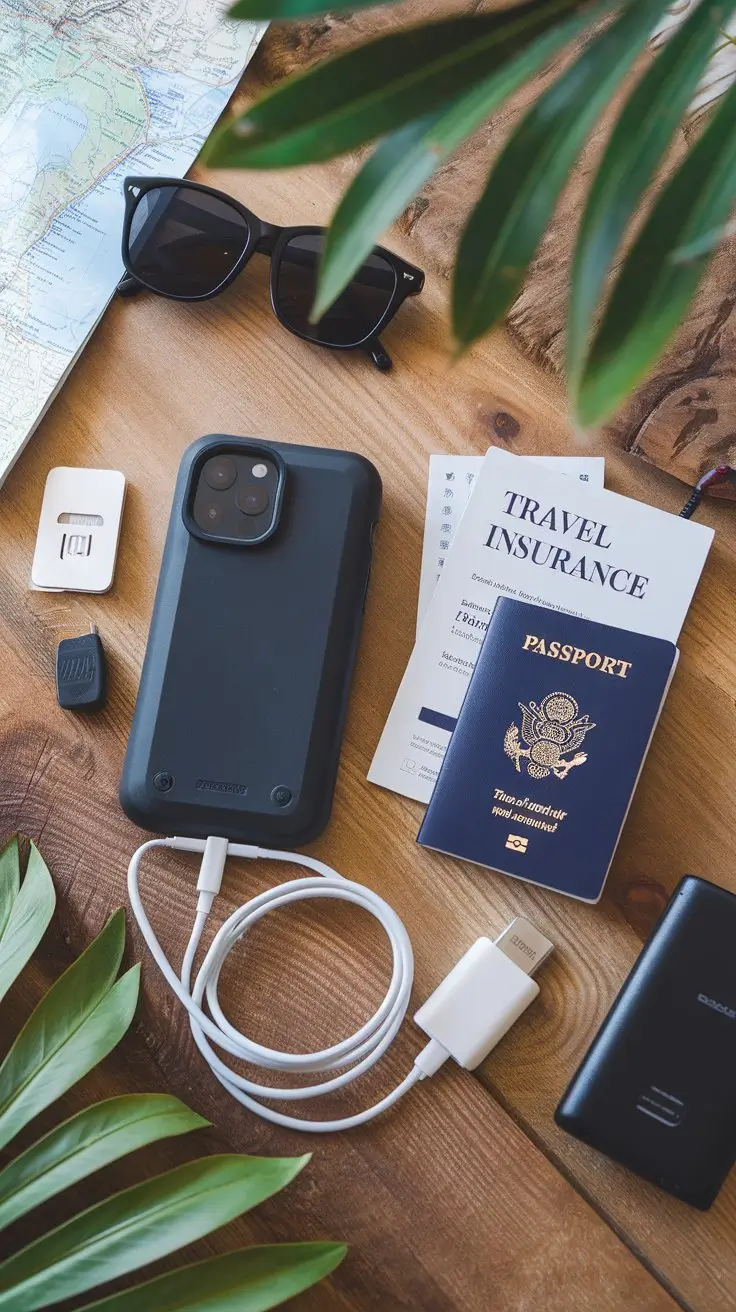
Protect a Mobile Device While Traveling is a priority for modern travelers who rely on their phones for navigation, communication, photos, and even payments. Unfortunately, mobile devices are also vulnerable to theft, loss, damage, and cyberattacks when you’re on the move. Whether you’re heading on a weekend getaway or an international trip, taking proactive steps to secure your smartphone or tablet ensures your data stays safe and your travel plans run smoothly. From physical protection to digital security, knowing how to safeguard your device can save you from costly headaches while abroad.
Traveling is exciting, but it puts your mobile device at risk. Whether you’re taking photos or finding your way, your device can get stolen, lost, or hacked.
Before you start your trip, make sure to protect your device. Be careful where you are, use safe networks, and set up strong security.
In this article, we’ll show you how to keep your mobile device safe while traveling. This way, your photos and personal info stay safe.
Key Takeaways
- Understand the risks associated with using mobile devices while traveling.
- Learn how to secure your device against theft and loss.
- Discover best practices for protecting your data on public networks.
- Implement robust security measures for your mobile device.
- Stay safe while using your device in unfamiliar environments.
The Rising Threats to Mobile Devices During Travel
Traveling puts mobile devices at risk of theft and cyber-attacks. With more people traveling, the danger to their devices grows. This is true for both work and fun trips.
There are many threats, like public Wi-Fi dangers, stolen devices, and data breaches. It’s key for travelers to know these risks to keep their devices safe.
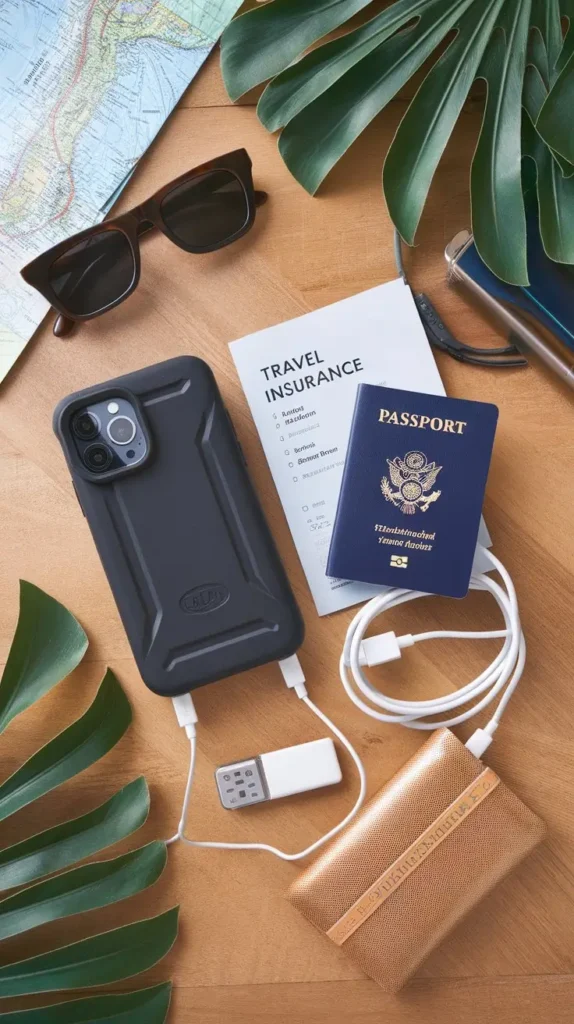
Common Security Risks for Travelers
Travelers face several common security risks, including:
- Public Wi-Fi: Using unsecured public Wi-Fi networks for sensitive transactions.
- Device Theft or Loss: The risk of having devices stolen or lost in crowded areas or tourist hotspots.
- Cyber-attacks: Exposure to malware and phishing attacks, when using public networks.
These risks show why strong security is needed for mobile devices while traveling.
The Cost of Compromised Mobile Security
When mobile security is breached, the damage can be big. It can lead to financial loss, identity theft, and unauthorized data access. The costs go beyond money to include:
- Time spent recovering compromised accounts or replacing devices.
- Potential identity theft and long-term monitoring needs.
- Loss of sensitive business or personal data.
Knowing these risks and their effects is the first step to protecting mobile devices while traveling.
Essential Pre-Travel Device Preparations
As you plan your trip, don’t forget to secure your mobile device. A few critical steps can make your device ready for travel. These steps will boost your security and peace of mind while abroad.
Critical Software Updates and Security Patches
First, update your device’s operating system and apps to the latest versions. These updates often include security patches that protect against known vulnerabilities. Enable automatic updates if possible, to stay current without manual intervention.
For instance, enabling two-factor authentication (2FA) adds an extra layer of security. It makes it harder for unauthorized users to access your device or accounts.
Comprehensive Data Backup Strategies
Before you travel, back up your device’s data to a secure location. This could be a cloud service like iCloud or Google Drive, or an external hard drive. Consider using automated backup tools to ensure your data is consistently updated.
A complete backup strategy not only safeguards your data against loss or theft. It also allows you to restore your device quickly if needed.
Minimizing Sensitive Information on Your Device
Review the data stored on your device and remove any sensitive information that’s not essential for your trip. This might include old financial records, personal documents, or confidential work files. Use a secure erase method to completely remove this data.
Minimizing sensitive information reduces the risk if your device is lost or stolen.
By following these pre-travel device preparations, you can significantly reduce the risks associated with mobile device usage during travel. A well-prepared device is not just about security. It’s about ensuring a smoother, less stressful journey.
How to Protect a Mobile Device While Traveling
Traveling with a mobile device needs physical security, digital protection, and being aware of your area. Your device is a key tool for navigating and staying in touch. But, it’s also a risk if not secured well.
Physical Security Best Practices
To keep your device safe, use a bag or backpack with anti-theft features like slash-proof straps. Be careful with your device in crowded places or tourist spots. Thieves often target these areas.
Keep your device close and stay alert. This can greatly lower theft risk.
- Use a phone case with a built-in card slot or a travel wallet to keep your valuables together.
- Avoid showing your device in public; instead, keep it secure and out of sight when not in use.
- Consider using a phone leash or wrist strap for added security.
Digital Security Essentials
Digital security is as important as physical security. Enable two-factor authentication (2FA) on your device and apps. Use a strong password or biometric authentication to lock your device. Also, update your operating system and apps regularly for the latest security patches.
| Security Measure | Description | Benefit |
|---|---|---|
| Two-Factor Authentication | Adds an extra layer of security to your accounts | Reduces risk of unauthorized access |
| Strong Passwords | Complex passwords hard to guess | Protects against brute-force attacks |
| Biometric Authentication | Uses unique physical characteristics for security | Highly secure and convenient |
“The security of your mobile device is key when traveling. By using both physical and digital security, you can lower the risk of your device being compromised.”— Cybersecurity Expert
Situational Awareness Techniques
Being aware of your surroundings is key. Avoid using your device in unsafe or unfamiliar environments. Be careful of public Wi-Fi, as it can be hacked.
When using public Wi-Fi, use a Virtual Private Network (VPN) to protect your internet traffic.
By following these tips, you can enjoy your travels safely with your mobile device.
Physical Protection Solutions for Travel
Travelers face many risks to their mobile devices. Protecting your device is key. It’s not just about looks; it’s about keeping it working.
Impact-Resistant Cases and Screen Protectors
Using an impact-resistant case is a smart move. These cases soak up shocks and drops. They keep your device safe inside.
Also, a high-quality screen protector stops scratches and drops. Some protectors block fingerprints and glare too.
Anti-Theft Accessories and Locking Mechanisms
Anti-theft accessories are vital for keeping your device safe. Phone locks and anchor cables keep it secure in public. A device tracker helps find it if lost or stolen.
Some cases have built-in locks or card slots. This adds extra security.
Environmental Protection: Water, Dust, and Temperature
Water, dust, and extreme temperatures can harm your device. A waterproof case guards against splashes or rain. For dusty places, a dust-repellent case is good.
Also, watch the temperature. Avoid overheating or freezing.
| Protection Type | Features | Benefits |
|---|---|---|
| Impact-Resistant Cases | Shock absorption, durable materials | Protects against drops and bumps |
| Screen Protectors | Scratch resistance, anti-glare | Prevents screen damage |
| Anti-Theft Accessories | Locking mechanisms, device tracking | Secures device against theft |
With these protection solutions, travelers can lower damage risks. This makes travel more enjoyable and worry-free.
Strengthening Device Authentication for Travel
Keeping your mobile device safe while traveling is key. Devices are now used for everything from navigation to financial transactions. This makes them a target for hackers. Using strong authentication methods is vital to prevent identity theft and financial loss.
Biometric Security: Fingerprints, Face ID, and Alternatives
Biometric security, like fingerprints and Face ID, is a great way to lock your device. These features use your unique physical traits to check who you are. If your device doesn’t have these, you can use voice or iris scanning for extra security.
Creating Unbreakable PINs and Pattern Locks
Strong PINs and pattern locks are also important for keeping your device safe. Your PIN or pattern should be hard to guess. Use a mix of numbers, letters, and symbols for your PIN. For pattern locks, make a complex pattern that doesn’t reveal personal info.
| Authentication Method | Security Level | Convenience |
|---|---|---|
| Biometric (Fingerprint/Face ID) | High | High |
| PIN | Medium to High | Medium |
| Pattern Lock | Medium | Medium |
In summary, making your device more secure is essential for travelers. Using biometric features and creating strong PINs or pattern locks can greatly improve your device’s safety.
Securing Your Device in Public Spaces
When you travel, it’s key to protect your device in crowded places. These areas are hotspots for theft and cyber threats. So, staying alert is vital.

Airport, Train Station, and Bus Terminal Vigilance
Always keep your device close in transit. Be mindful of your surroundings. Don’t use public charging spots or unsecured Wi-Fi, as they’re risky.
Use a portable charger and a VPN to boost your device’s safety.
Safe Device Usage in Restaurants and Tourist Areas
In restaurants and tourist spots, watch out for shoulder surfing. Don’t leave your device out when not using it. Use a screen protector with a privacy filter to hide your screen.
Make sure public Wi-Fi is trustworthy.
Hotel Room Device Security Protocol
In your hotel room, lock your device in a lockbox or safe. Don’t access sensitive info in public. Use a remote wipe if your device gets lost or stolen.
By following these tips, you can greatly improve your device’s safety while traveling.
Network Security Strategies for Travelers
Network security is key for travelers, as public Wi-Fi can be risky. Your mobile device is more exposed to threats when you’re on the move. The right security steps can help protect your data.
Public Wi-Fi Dangers and Defenses
Public Wi-Fi is often not secure, making it easy for hackers to get your data. To stay safe, avoid sensitive info like bank details or personal emails on public Wi-Fi. If you must use it, a Virtual Private Network (VPN) can encrypt your traffic.
VPN Implementation for Travel Security
Using a VPN is a top way to secure your internet on public Wi-Fi. A VPN encrypts your data, making it hard for hackers to read. Choose a VPN with strong encryption and a good reputation for reliability and speed.
Secure Alternatives to Public Networks
Try to avoid public Wi-Fi if you can. Use your mobile device’s personal hotspot or mobile data network instead. These are safer than public Wi-Fi. For frequent internet use, think about a portable Wi-Fi hotspot or carrier international data plans.
Data Encryption for the Modern Traveler
In today’s digital world, travelers must protect their personal info with data encryption. Mobile devices hold a lot of sensitive data. Encryption is key to keeping this data safe.
Data encryption turns plain text into unreadable code to keep it safe from hackers. For travelers, this means their data is secure even if their device is lost or stolen.
Encrypting Your Entire Device
Full device encryption protects all data on your mobile device. Here’s how to do it:
- Step 1: Go to your device’s settings and find the security or encryption options.
- Step 2: Choose to encrypt your device. You might need to set up a PIN, password, or pattern lock.
- Step 3: Just follow the instructions on the screen to finish the encryption.
| Device Type | Encryption Method | Time Required |
|---|---|---|
| Android | Full Disk Encryption | Several Hours |
| iOS | FileVault | Varies |
Selective Encryption for Sensitive Data
For data that doesn’t need full-device encryption, selective encryption is a good choice. It’s great for keeping sensitive info safe without encrypting everything.
To use selective encryption, look for apps that offer encryption. Secure messaging apps or password managers are good examples. They use end-to-end encryption, so only the sender and receiver can see the data.

Cloud Services and Backup Solutions on the Road
In today’s world, travelers use their mobile devices a lot. Cloud backup solutions are key to keeping their data safe. Cloud services add an extra layer of protection, making sure important data is safe even if the device is lost or stolen.
One big plus of cloud services is automatic backups. This feature updates your device’s data regularly, without you having to do anything.
Configuring Automatic Cloud Backups
To set up automatic cloud backups, follow these steps:
- Go to your device’s settings menu.
- Select the “Backup & Restore” or similar option.
- Choose your preferred cloud service provider.
- Enable automatic backups and set a frequency that suits your needs.
Benefits of Automatic Backups:
| Benefit | Description |
|---|---|
| Data Safety | Ensures data is safe in case of device loss or damage. |
| Convenience | Automatic backups save time and effort. |
| Peace of Mind | Travelers can focus on their journey without worrying about data loss. |
Secure Remote Access to Your Digital Life
Cloud services do more than just back up your data. They also let you access your digital life from anywhere. You can get to your files, contacts, and more from any device with internet.
To ensure secure remote access, it’s important to:
- Use strong, unique passwords for your cloud accounts.
- Enable two-factor authentication (2FA) whenever possible.
- Regularly review account activity and update security settings as needed.
International Travel Mobile Security Considerations
Traveling abroad means knowing about privacy laws and border security. It’s key to understand the mobile security challenges you’ll face.
Understanding the Landscape
Every country has its own rules about data privacy and mobile security. Some might ask to see your device when you arrive, which could risk your personal info.
Navigating Country-Specific Privacy Laws
Learn about your destination’s privacy laws before you go. Some places have strict rules that could impact how you use your phone. For example, some countries let authorities check devices without a warrant.
- Understand what data is legally required to be shared.
- Know your rights regarding device searches.
- Consider using a travel-specific device or a temporary phone to minimize exposure.
Being informed is your first line of defense against legal issues or data breaches.
Border Crossing Device Security Protocol
Going through borders with a mobile device can be risky. Here’s how to stay safe:
- Prepare Your Device: Make sure your device is secure before you get to the border. Remove or encrypt sensitive info.
- Use Biometric Locks: Turn on biometric authentication for extra security. It makes it harder for others to get into your device.
- Keep Your Device Charged: Make sure your device is fully charged. Border officials might ask you to turn it on.

Safeguarding Financial Information While Traveling
Traveling can expose you to financial risks. It’s important to protect your financial information. People often use their mobile devices for money matters while traveling, making them targets for fraud.
Mobile Banking and Payment App Security
When using mobile banking and payment apps while traveling, be careful. Use strong passwords and two-factor authentication. Also, keep your device and apps updated to avoid security issues.
Here’s a comparison of popular mobile banking security features:
| Bank | Two-Factor Authentication | Biometric Login | Real-Time Alerts |
|---|---|---|---|
| Bank of America | Yes | Yes | Yes |
| Wells Fargo | Yes | Yes | Yes |
| Chase Bank | Yes | Yes | Yes |
Real-Time Transaction Monitoring Techniques
It’s key to watch your financial transactions in real-time. This helps spot and act on suspicious activities fast. Set up real-time alerts on your accounts for big transactions or those in foreign countries.
To stay safe, do the following:
- Regularly check your account statements
- Use mobile banking apps to track transactions
- Report any odd transactions right away
By using these methods and keeping your mobile banking and payment apps secure, you can lower the risk of losing money while traveling.
Social Media and Communication Security
Travelers now use their mobile devices more for staying in touch and sharing on social media. This means they need strong security to protect their data. Social media and messaging apps are key for staying connected while traveling. But, they also bring big security risks if not kept safe.
Location Sharing Risks and Preventative Measures
Sharing your location on social media can reveal where you are or where you’re going. This might make you a target for thieves or other bad people. To stay safe, be careful about what you share and with whom.
Limit location sharing to trusted contacts or turn it off when not needed. Also, check your social media privacy settings often. This helps keep your personal info safe from unwanted eyes.
Messaging App Security for Travelers
Travelers should use messaging apps with end-to-end encryption for safe chats. Apps like Signal or WhatsApp keep your messages private. Only the person you’re talking to can see what you say.
But, be careful with public Wi-Fi when using these apps. It’s not always safe. Using a VPN can help protect your data when you’re on public networks.
Device Tracking and Recovery Solutions
When your device is lost or stolen, tracking and recovery solutions can be a big help. These solutions help you find your device, keep your data safe, and maybe even get your device back. We’ll look at the options available to travelers.
Native Device Locator Services Configuration
Most mobile devices have built-in locator services. For example, Apple devices have Find My iPhone, and Android devices have Find My Device. To use these, you need to turn them on before losing your device. This means going to your device’s settings, finding the location or security section, and enabling the locator.
It’s smart to know what your device’s locator service can do. Some services let you show a message on your device with your contact info. This makes it easier for someone to return it to you.
Remote Lock and Wipe Capabilities
Native locator services also let you lock or wipe your device remotely. Remote locking locks your device with a PIN or password, keeping your data safe. Remote wiping erases all data on your device, keeping your personal info secure.
To use these features, you need to access the device locator service’s website or app from another device. You can then choose to lock or wipe your device. It’s important to act fast to protect your data.
Third-Party Tracking and Recovery Tools
Some travelers might also use third-party tracking and recovery tools. These tools offer extra features like detailed location history or photos of your device’s surroundings. Popular choices include Prey and Cerberus.
When picking a third-party tool, look at its security, ease of use, and user reviews. Make sure it works with your device’s operating system.
By using native device locator services, understanding remote lock and wipe, and looking at third-party tools, travelers can greatly improve their device’s security. Whether you travel often or just go on trips, these steps can give you peace of mind and protect your device and data.
Emergency Response: When Your Device Is Compromised
If your device is lost or stolen, quick action is key to keep your data safe. This is true whether you’re at home or abroad. A lost device can lead to big security problems, like data theft and identity fraud.
Immediate Action Plan for Lost or Stolen Devices
Act fast if your device goes missing. First, try to find your device using apps like Find My iPhone or Google Find My Device. If you can’t find it, lock or wipe your device remotely to stop others from getting into your data.
Then, update your passwords for all accounts that were on the lost device. This includes your email, social media, and banking apps. Also, let your bank and credit card companies know what happened to protect your money.
Data Breach Response and Identity Protection
Watch your accounts closely if there’s a data breach. Look for any signs of fraud or unauthorized activity. You might want to put a fraud alert on your credit reports and freeze your credit if you need to. Keep an eye on your credit score too and report any odd activity.
To keep your identity safe, use a trusted identity theft protection service. These services watch your personal info and warn you of threats. Also, be careful of phishing scams that might come after a breach. Don’t click on weird links or give out personal info via email.
Specialized Mobile Security for Different Travelers
Different types of travelers need specialized mobile security to keep their devices and data safe. Whether you’re on a business trip or a family vacation, knowing your security needs is key.
Business Travelers: Corporate Data Protection
For business travelers, mobile security is more than just protecting the device. It’s about keeping corporate data safe. This includes:
- Using company-approved security apps
- Implementing remote wipe capabilities
- Ensuring secure connections for data transfer
Business travelers should also watch out for risks on public Wi-Fi. Using a VPN is a good way to stay safe.
Family Travel: Securing Children’s Devices
Securing children’s devices is critical during family travel. Parents should:
- Set up parental controls to limit app access
- Educate children about safe internet practices
- Use family sharing features to monitor device activity
By following these steps, families can have a safe and enjoyable trip.
Conclusion: Building Your Personal Mobile Security Travel Plan
When you’re getting ready for your next trip, remember to focus on keeping your mobile device safe. This article has given you tips to make a mobile security plan that fits your needs.
Creating a strong mobile security plan means being ahead of the game. Use tough cases and screen protectors for physical protection. Also, make sure your device is secure with authentication and data encryption.
Think about what you need to protect on your device and where you’ll be. This helps you make a plan that covers your specific risks. Your device and data will stay safe on your travels.
By being proactive with your mobile security, you can have a worry-free trip. You’ll know your device and personal data are in good hands.
FAQ
How can I protect my mobile device while traveling?
To keep your mobile device safe while traveling, follow a few steps. Use a secure bag and enable two-factor authentication. Also, stay alert and aware of your surroundings.
What are the common security risks for travelers?
Travelers face risks like theft, loss, and cyber attacks. These can lead to financial loss, identity theft, and data breaches.
How can I secure my device in public spaces?
In public places, like airports and train stations, stay alert. Use safe practices in restaurants and tourist spots. Also, follow security tips in hotel rooms.
What is the importance of data encryption for travelers?
Data encryption is key for protecting your device’s sensitive info. Travelers can use full or selective encryption to keep their data safe.
How can I safeguard my financial information while traveling?
To protect your financial info, use secure mobile banking and payment apps. Keep an eye on your transactions and avoid public Wi-Fi.
What are the benefits of using a VPN while traveling?
Using a VPN offers a secure internet connection. It protects your data from threats and keeps your online activities private.
How can I track and recover my lost or stolen device?
To track and recover a lost device, set up native locator services. Use remote lock and wipe features. Also, consider third-party tools.
What should I do if my device is compromised?
If your device is hacked, act fast. Lock or wipe it remotely. Then, take steps to handle data breaches and protect your identity.
